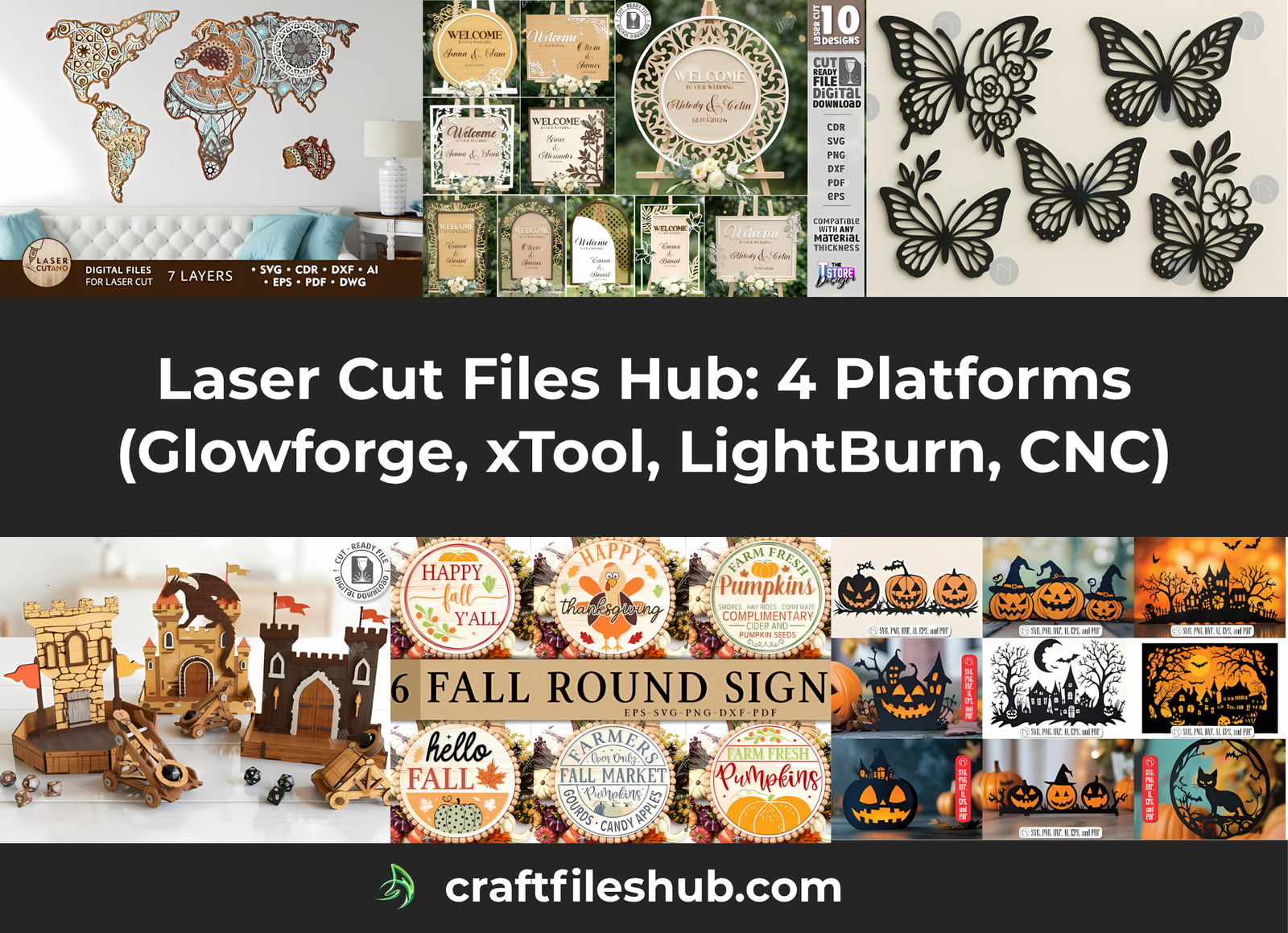
Laser cutting has become one of the most popular creative industries for makers, small businesses, and DIY enthusiasts. Whether you use a Glowforge, xTool, LightBurn, or CNC machine, having access to high-quality vector files saves hours of design work.
Welcome to our Laser Cut Files Hub — a curated collection of tested SVG, DXF, CDR, EPS, and AI vector templates. From personalized home decor and seasonal decorations to functional boxes and jewelry, explore our categorized design bundles below to start your next laser or CNC cutting project.
1. Seasonal & Holiday Laser Cut Projects
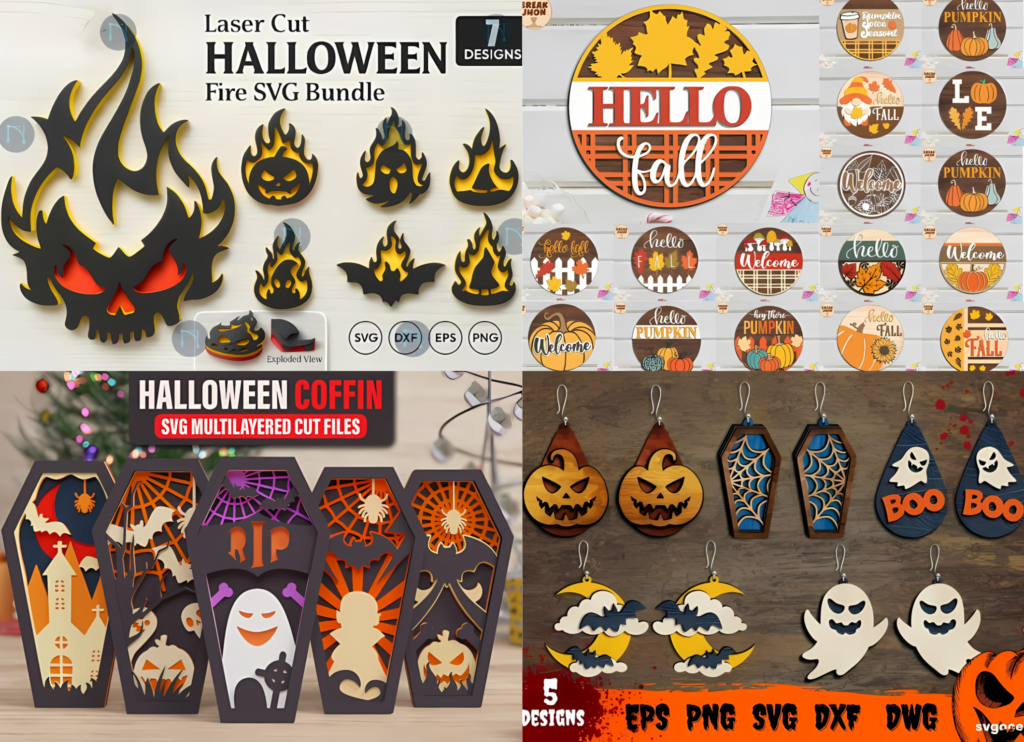
Spooky designs, autumn signs, and festive accessories to prepare your shop or home for the seasonal holidays.
Halloween Laser Cut Files & Spooky Seasonal Projects
Spooky decor, wall hangings, lanterns, and creepy accessories for Halloween crafters and sellers.
- 37 Best Halloween Wall Decor Laser Cut Files for Spooky DIY Homes
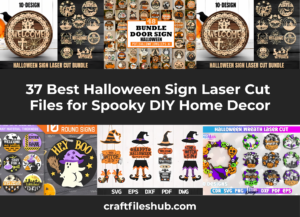
- 37 Best Halloween Sign Laser Cut Files for Spooky DIY Home Decor
- 24 Best Halloween Door Corner Laser Cut Files for Spooky DIY Home Decor
- 20 Unique Halloween Laser Cut Lantern Files for Decoration
- 20 Amazing Halloween Shelf Sitter Laser Cut Files for Festive DIY Decor
- 29 Stunning Halloween Hanging Decor Laser Cut Files to Skyrocket Your Sales
- 10 Ultimate Spooky Halloween Laser Cut Ideas to Fire Up Your Shop
- 30 Best Halloween Earring Laser Cut Files for Spooky DIY Jewelry
Fall & Autumn Laser Cut Projects
Cozy fall signage, leaf motifs, and warm seasonal decor for autumn home styling.
- 36 Amazing Fall Sign Laser Cut Files for Glowforge & CNC
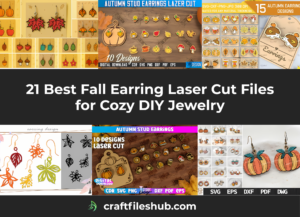
- 21 Best Fall Earring Laser Cut Files for Cozy DIY Jewelry
2. Wall Art & Interior Home Decor
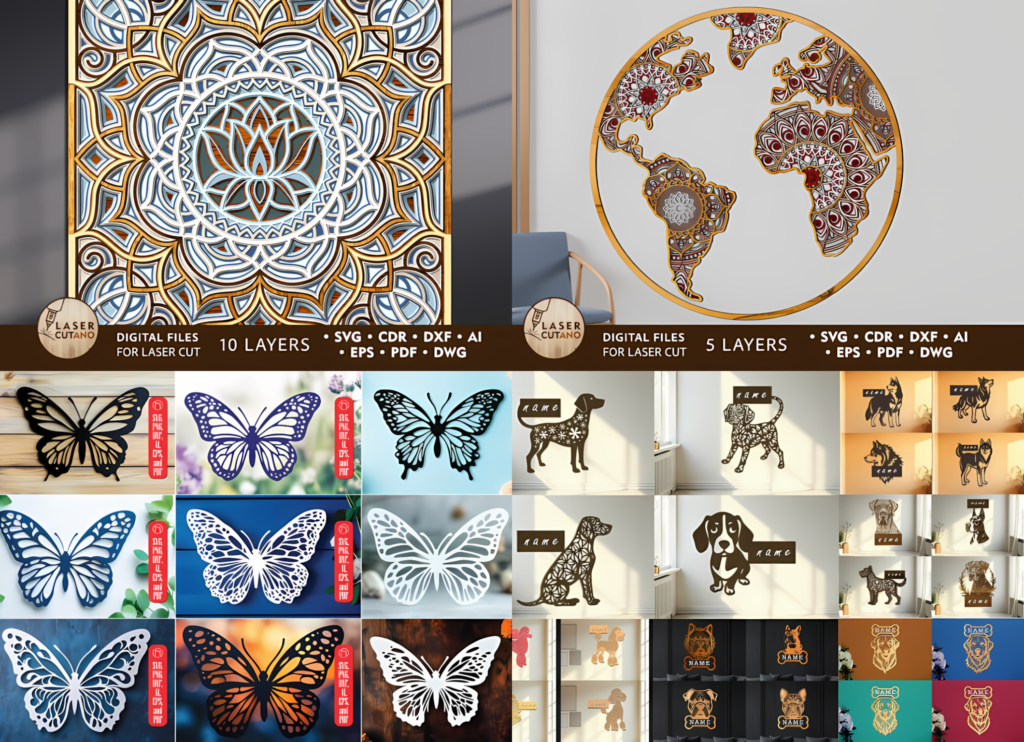
Transform plain walls with intricate laser-cut designs, multi-layered mandala art, and rustic wood signs. Add personality to kitchens, living rooms, and nursery spaces with targeted wall hangings and layered cutouts.
Thematic Signs & Wall Art
Custom wooden wall signs, seasonal quotes, pet-themed decor, and delicate cutout art to bring warmth and style to any living space.
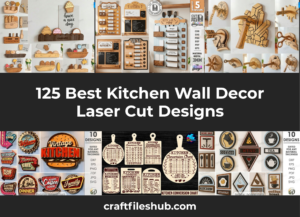
- 125 Best Kitchen Wall Decor Laser Cut Designs
- Stunning Coffee Wall Decor Laser Cut Mega Pack: 17 Creative Bundles
- 29 Best Dog Wall Decor Laser Cut Files for Stunning Home Decor
- 39 Best Butterfly Wall Decor Laser Cut Files for DIY Projects
- 37 Best Halloween Sign Laser Cut Files for Spooky DIY Home Décor
- 37 Best Halloween Wall Decor Laser Cut Files for Spooky DIY Homes
- 36 Amazing Fall Sign Laser Cut Files for Glowforge & CNC
Intricate Mandalas & Ornaments
Detailed vector patterns designed for multi-layer plywood cutting, laser engraving, and precision geometric CNC work.
- 59 Elite Mandala Wall Decor Laser Cut Files for CNC, Glowforge
- 105 Ultimate Dream Catcher Laser Cut Designs for Commercial Use
3. Jewelry & Personal Accessories
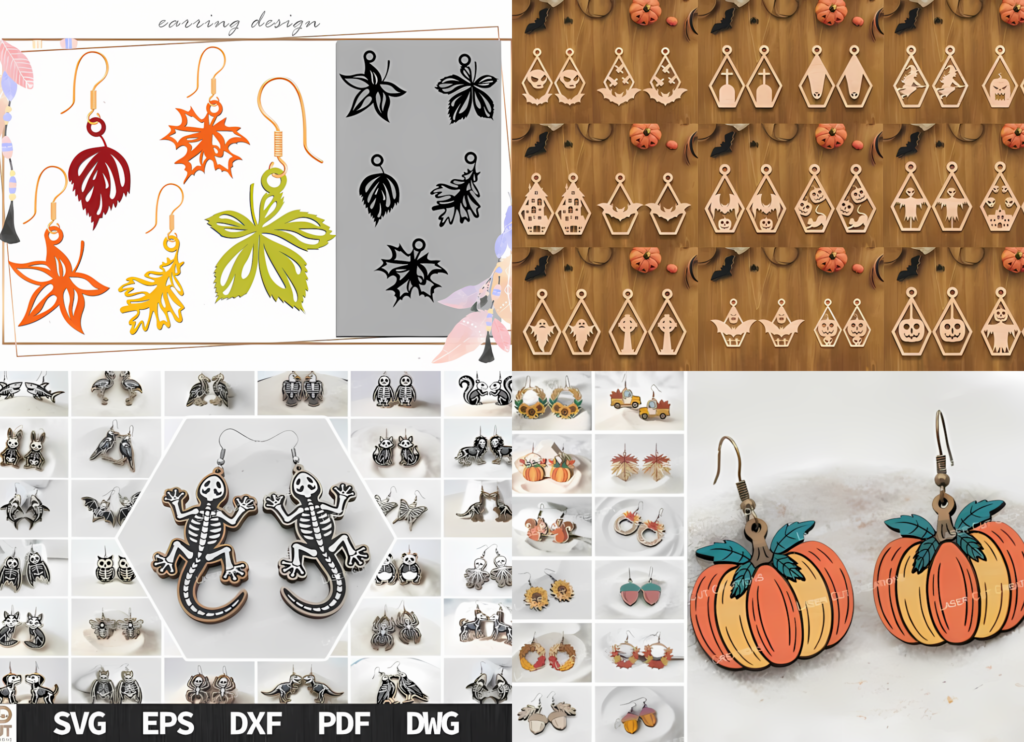
Vector templates for lightweight wooden and acrylic earrings, statement pendants, and seasonal wearables.
- 30 Best Halloween Earring Laser Cut Files for Spooky DIY Jewelry
- 21 Best Fall Earring Laser Cut Files for Cozy DIY Jewelry
4. Boxes, Holders & Functional Storage
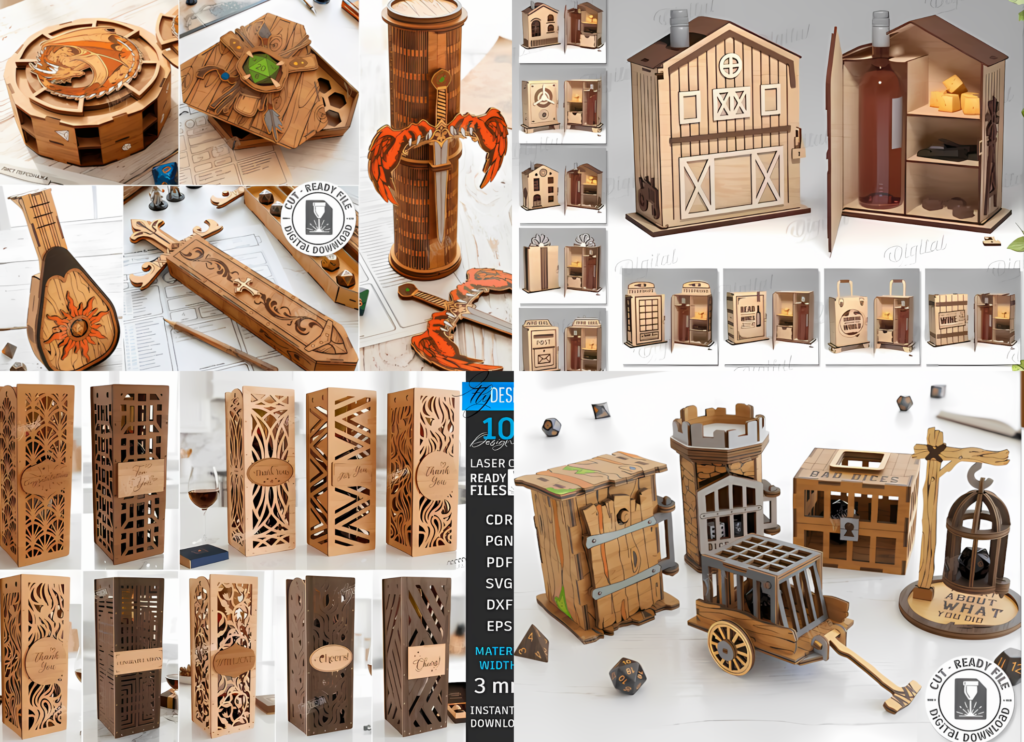
Functional laser cut templates engineered for practical organization, tabletop displays, and gift packaging.
- Best Wine Box & Holder Laser Cut Projects
- 21 Mind-Blowing Dice Tray and Box Laser Cut Files Every Crafter Needs
5. Gifts, Personalized Signs & Kids Crafts
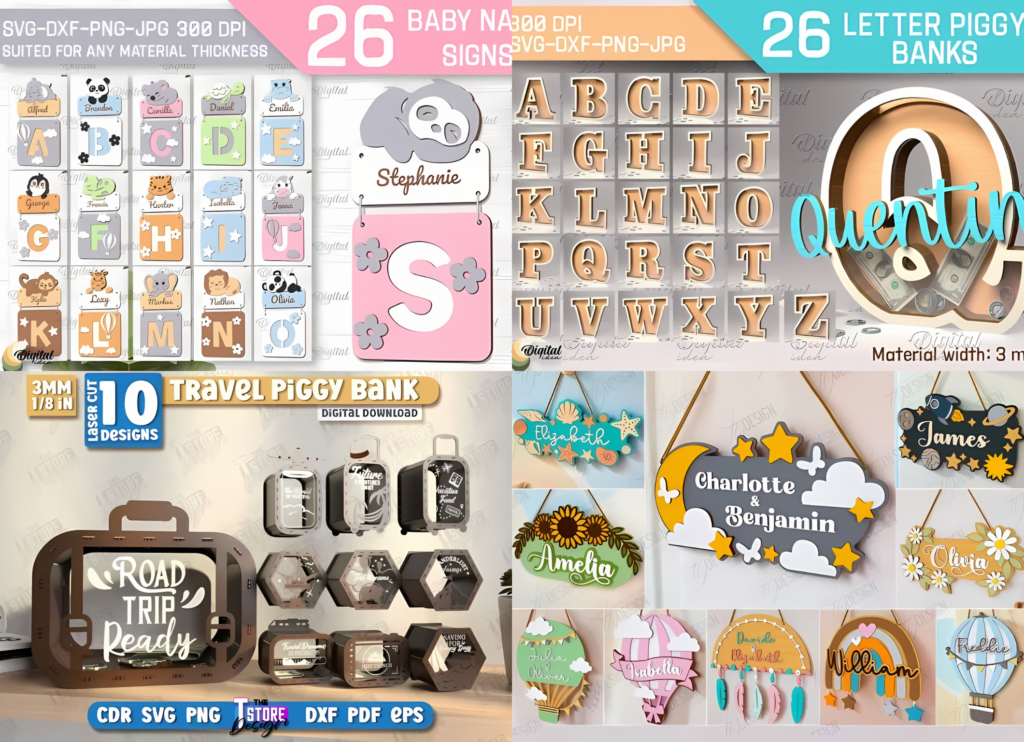
High-demand laser cut designs perfect for personalized gifting, nursery organization, and small business sellers.
- 100+ Best Piggy Bank Laser Cut Designs: From Kids’ Gifts to Adult Savings Challenges
- 19 Ultimate Nursery Name Sign Laser Cut Bundles Featuring 190+ SVG Designs
Supported File Formats
Most vector design bundles on this hub include multiple formats compatible with major laser cutters, CNC routers, and vector software:
- SVG (Scalable Vector Graphics): The standard format for Glowforge, xTool, LightBurn, Cricut, and Silhouette laser tools.
- DXF (Drawing Exchange Format): Compatible with AutoCAD, CNC router software, and various CAD platforms.
- CDR (CorelDRAW): Native vector format for Corel users, widely used for CO2 laser machines.
- AI (Adobe Illustrator): Native vector design file, ideal for customization and direct editing in Adobe software.
- EPS: Universal vector format compatible with Adobe Illustrator, Inkscape, and professional vector software.
- DWG: Industrial CAD format commonly used for precision engineering, CNC router setups, and technical laser cutting.
- PNG (High-Resolution Raster): Transparent background image format perfect for previews, printing, sublimation, or raster engraving setups.
Frequently Asked Questions (FAQ)
Are these laser cut designs suitable for commercial use?
Yes, most featured bundles include commercial licensing that allows you to sell physically cut and assembled finished products in your shop. Always verify the specific license terms on the individual vendor’s page before purchasing.
Which materials work best for these laser cut projects?
Baltic birch plywood, MDF, acrylic sheets, and natural hardwoods are the primary materials used for these designs. Leather, cardstock, and thin wood veneers are also great for specific light art or jewelry projects.
How do I ensure tab and slot designs fit my material?
Wood thickness often varies slightly from nominal sizes. Measure your material with digital calipers and adjust the slot dimensions in LightBurn, CorelDRAW, or Illustrator prior to cutting to guarantee a snug friction fit.
Can I rescale these laser cutting templates to different sizes?
Yes, vector designs can be rescaled without quality loss. However, for 3D or interlocking tab-and-slot models, remember that changing overall dimensions will also alter the slot sizes, requiring adjustments for your material thickness.
Do I need to compensate for laser kerf when cutting?
Yes, every laser beam removes a small amount of material (kerf). For tight-fitting joints or press-fit boxes, use kerf offset settings in your software (typically around 0.1mm to 0.2mm depending on your laser setup) for perfect alignment.